Offense Project
- Offense Project
- Offense Project adalah situs penyedia file game, software windows dan aplikasi android. Kami juga memiliki fitur streaming film dan live tv lokal gratis.
 v1.0
v1.0
 v1.0
v1.0
 v1.0
v1.0
 CSS
CSS
Paling Diminati

Latest Posts

BOMBANANA PC



Daftar Isi
Lihat cara install nya Klik Disini👇
Detail Game
Tentang Game
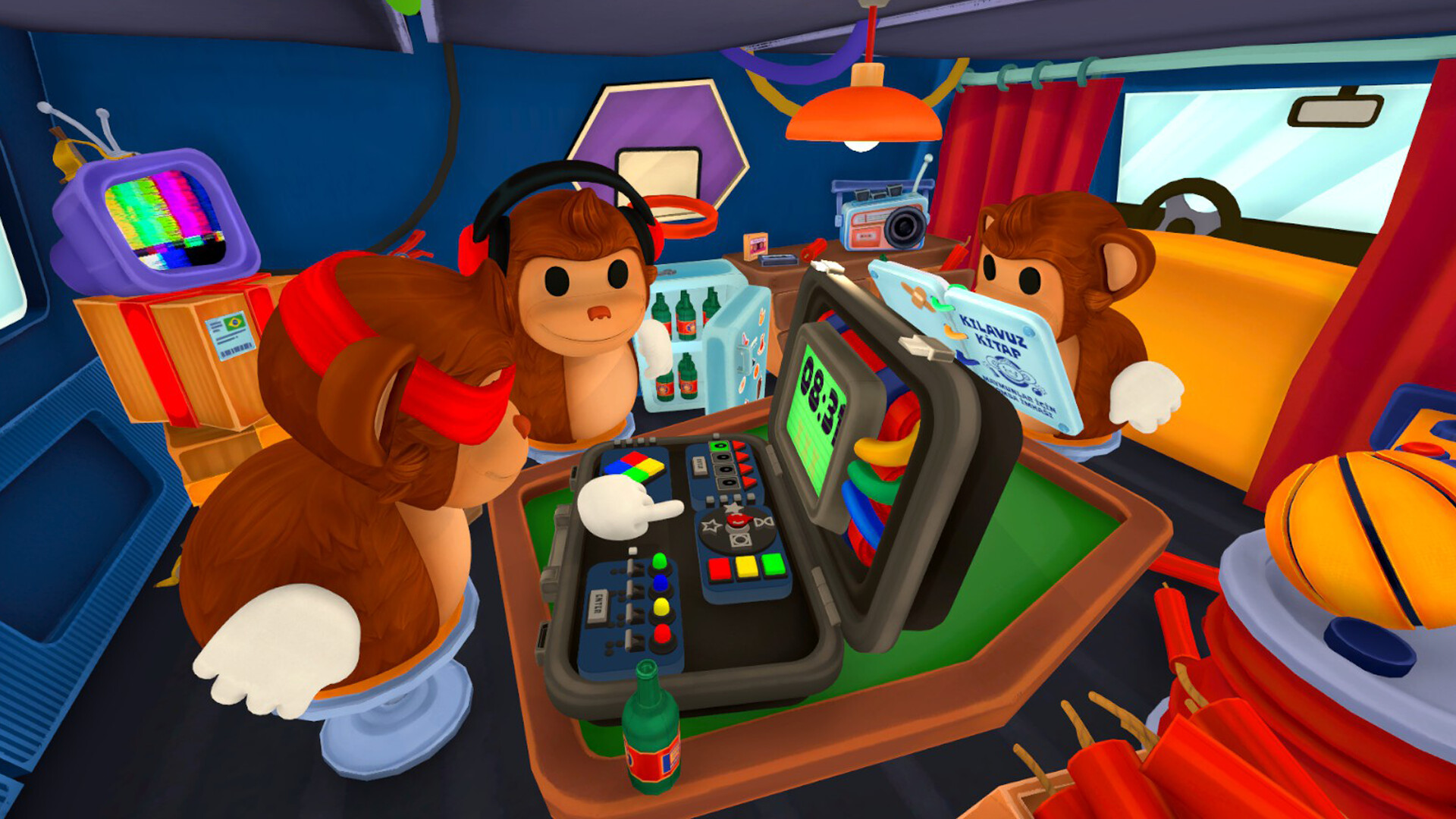
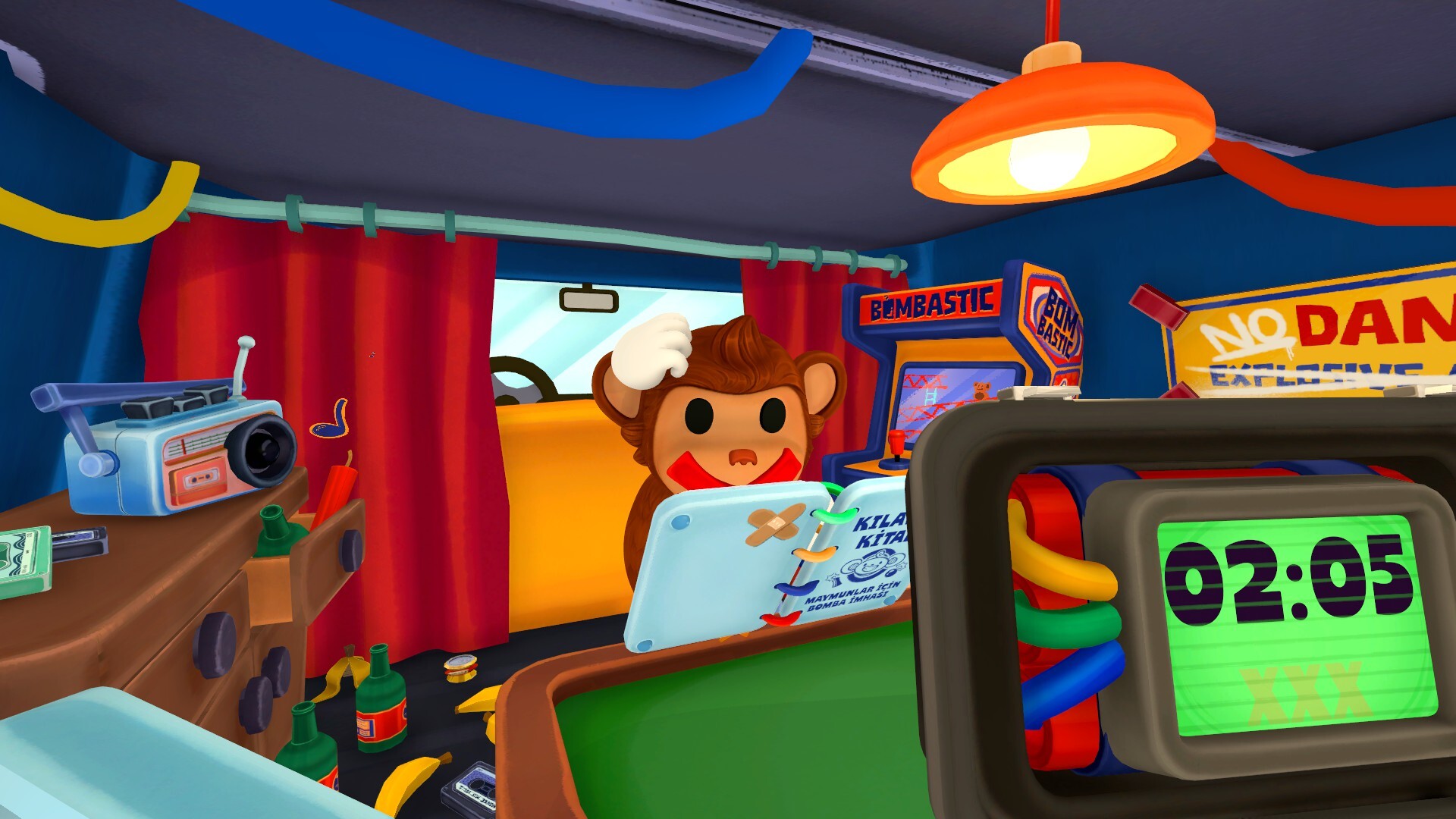
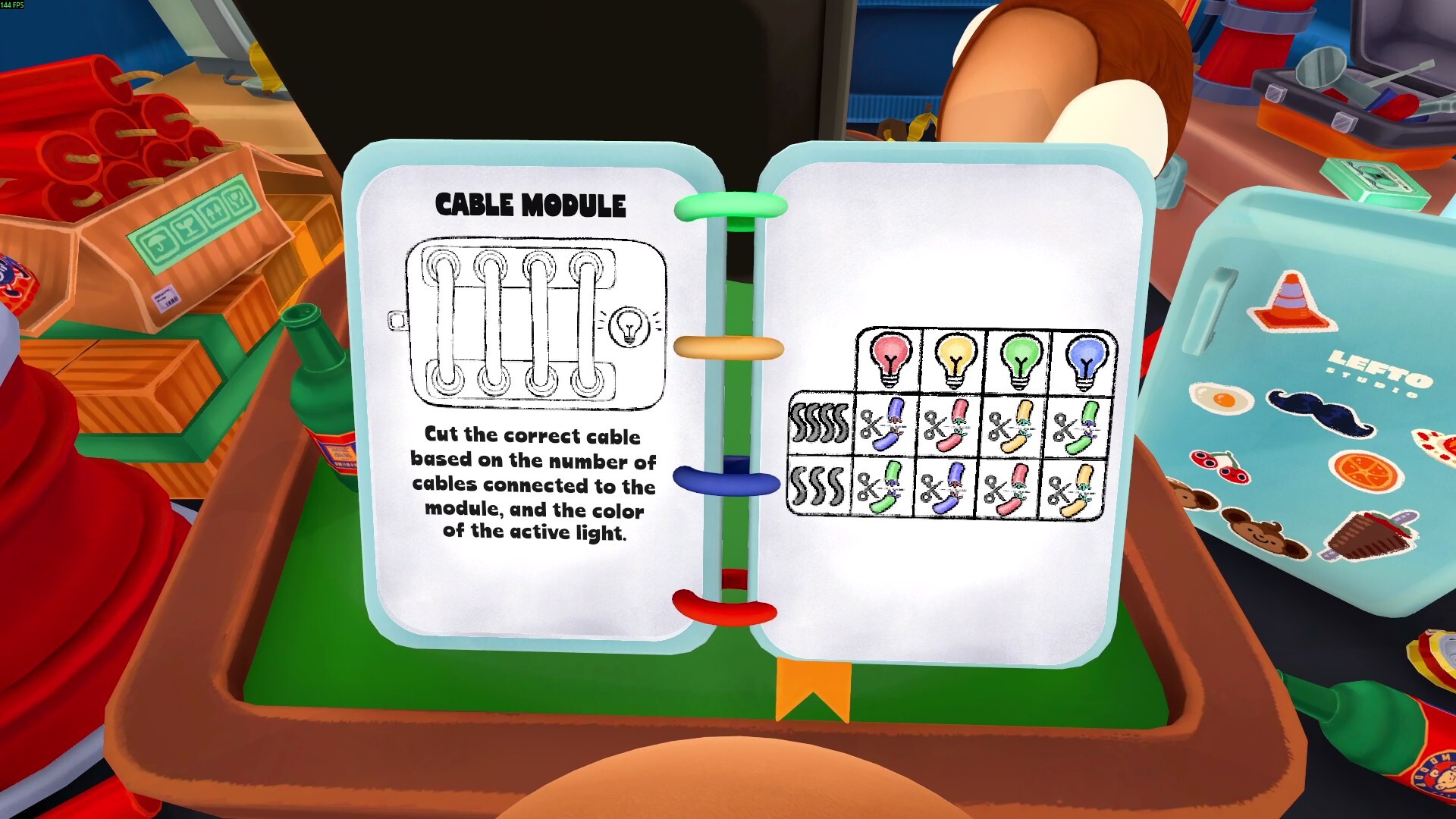
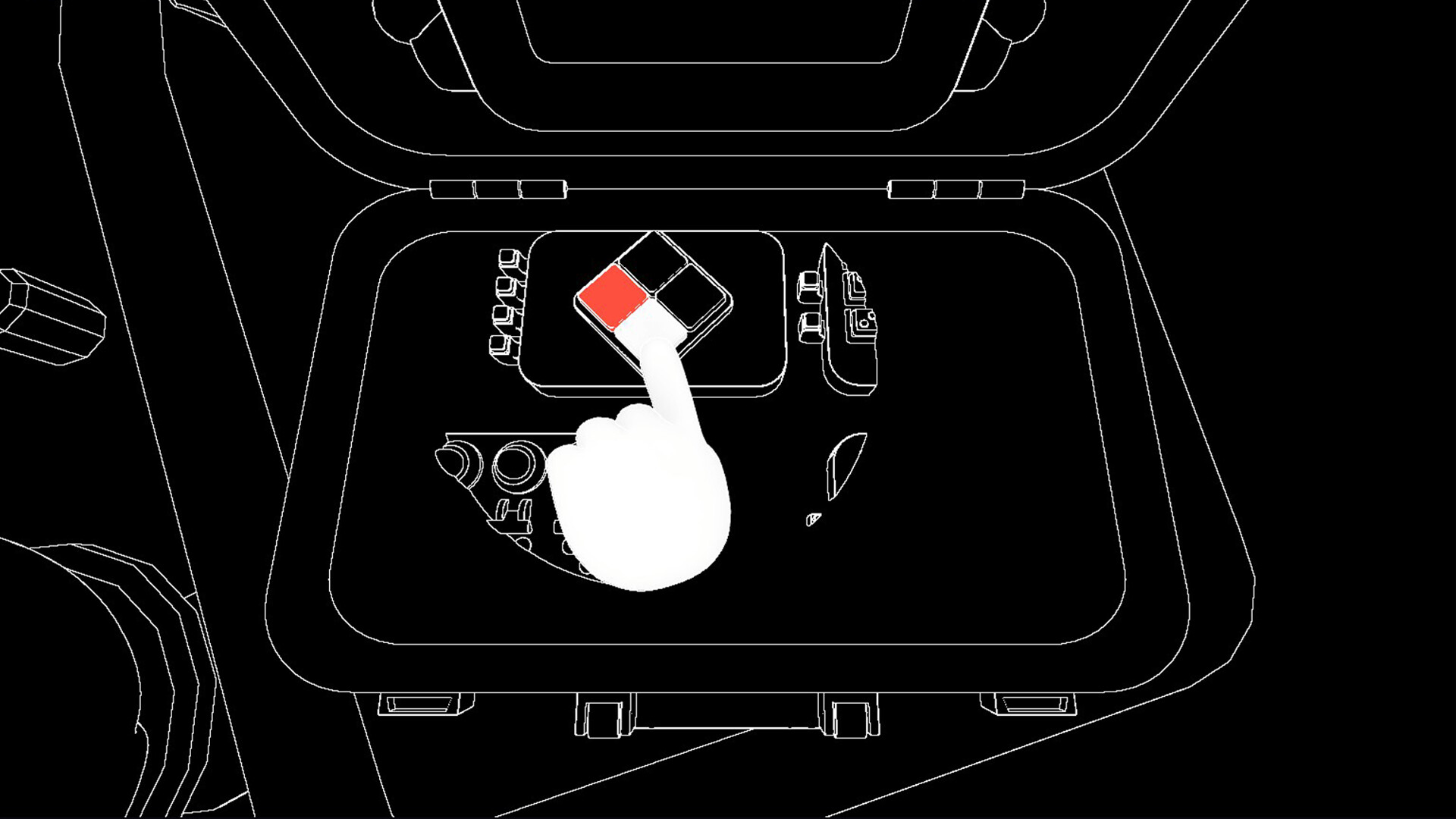
BOMBANANA Keseruan menjinakkan bom yang kacau balau bersama teman dan para monyet! Bekerja samalah dalam tim kooperatif beranggotakan 3 pemain yang berperan sebagai monyet buta, tuli, dan bisu. Setiap pemain hanya memegang sebagian informasi yang dibutuhkan. Berkomunikasilah, pecahkan teka-teki, dan berpaculah dengan waktu. Bisakah kalian menjinakkan bom-bom tersebut sebelum meledak?
Spesifikasi Minimum
- Requires a 64-bit processor and operating system
- OS: Windows 10/11 64-bit
- Processor: Intel Core i3-6100 / AMD Ryzen 3 1200
- Memory: 8 GB RAM
- Graphics: Intel HD Graphics 520 / AMD Radeon Vega 3 or equivalent
- Network: Broadband Internet connection
- Storage: 300 MB available space
- Sound Card: DirectX compatible
Cara Installasi
- Download BOMBANANA
- Wajib install aplikasi Steam
- Gunakan Winrar untuk mengekstrak file game
- Jalankan file Setup.exe lalu install sampai selesai
- Jangan lupa install DirectX dan Visual++ nya jika belum terinstall
- Done!
- Selamat Bermain!
Peringatan!
Kami tidak bertanggung jawab jika terjadi sesuatu pada game ini, Do With Your Own Risk!
Download Game
Download Game Lainnya

Mall Together



Daftar Isi
Lihat cara install nya Klik Disini👇
Detail Game
Tentang Game
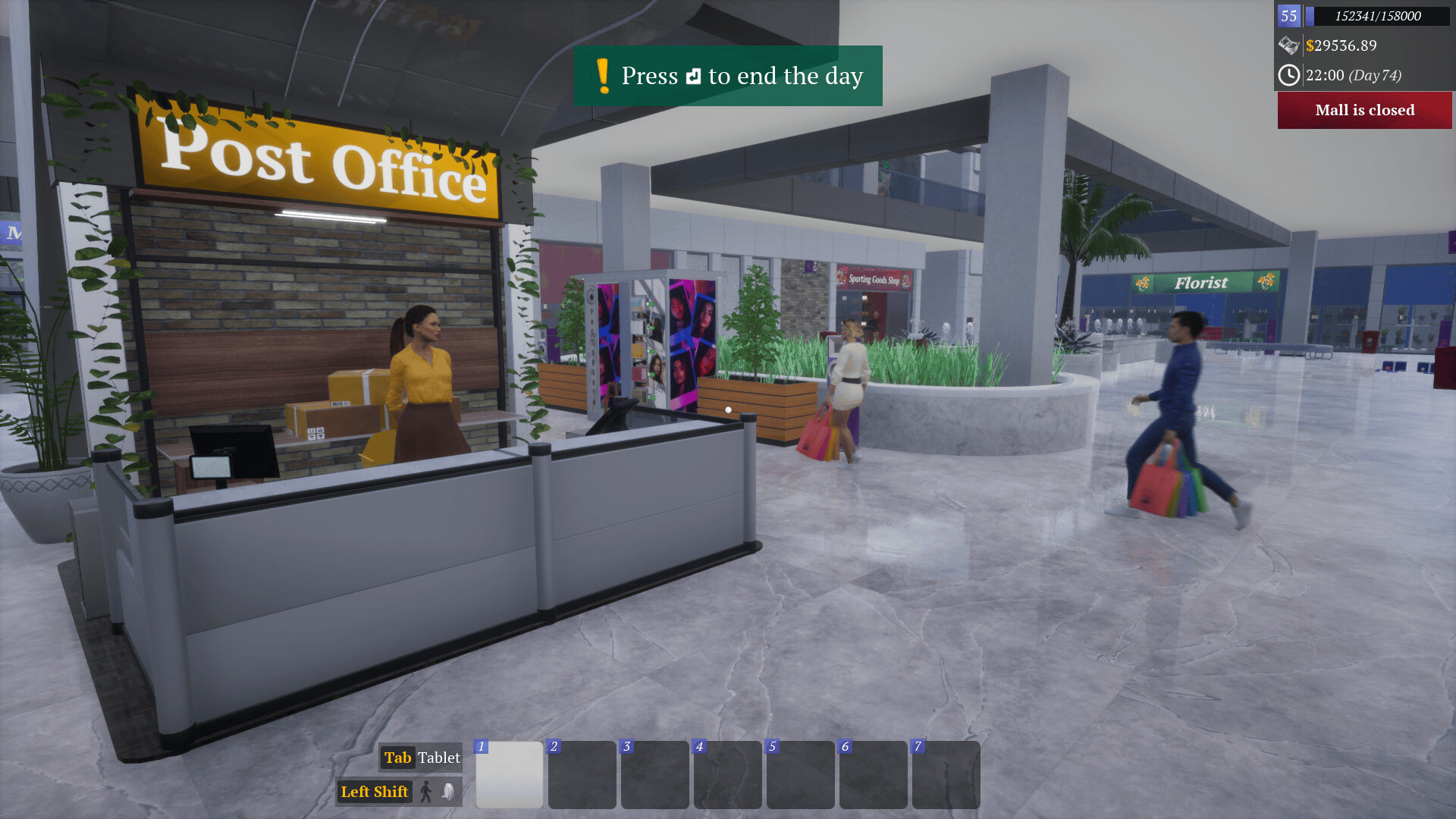
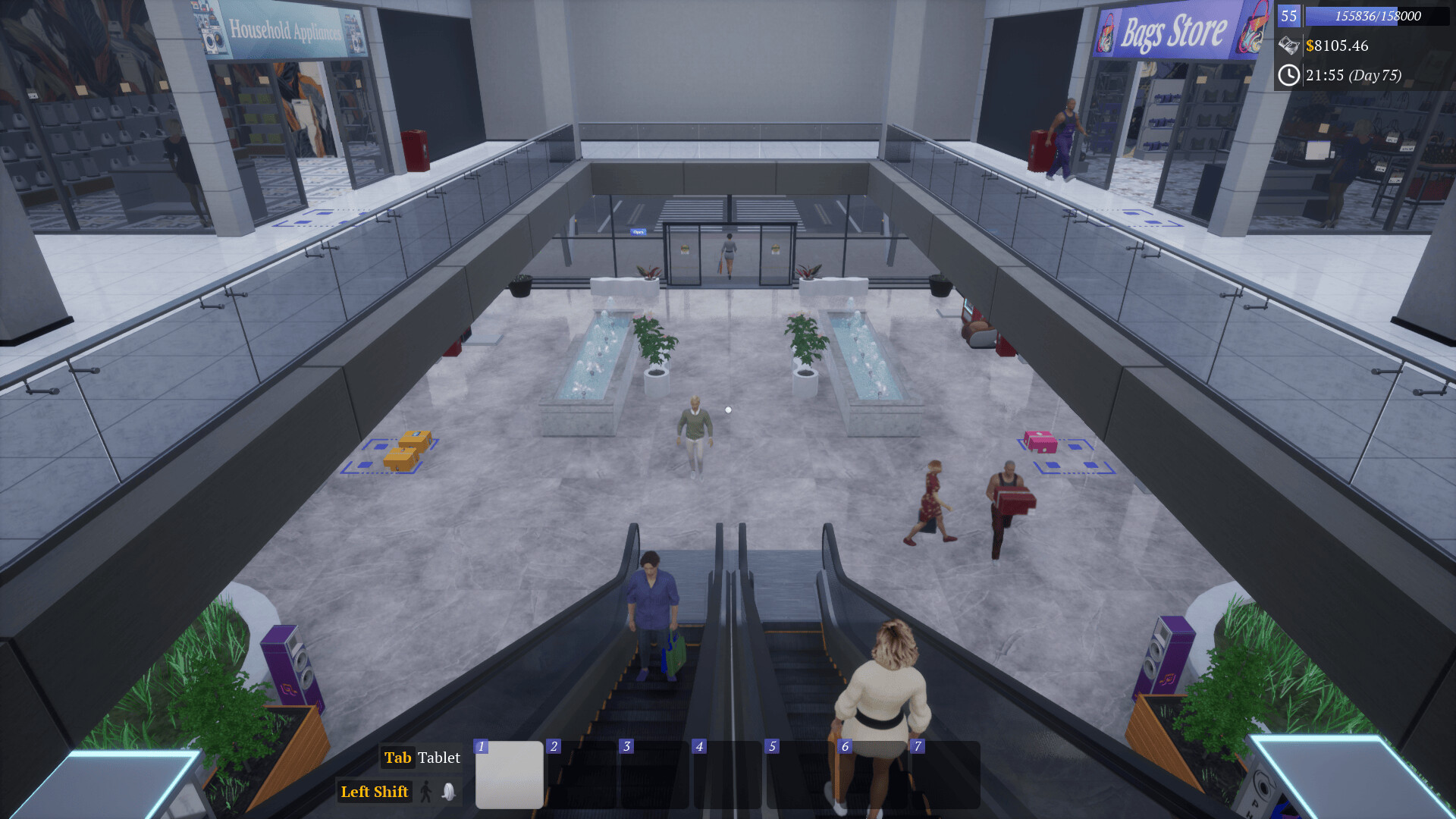
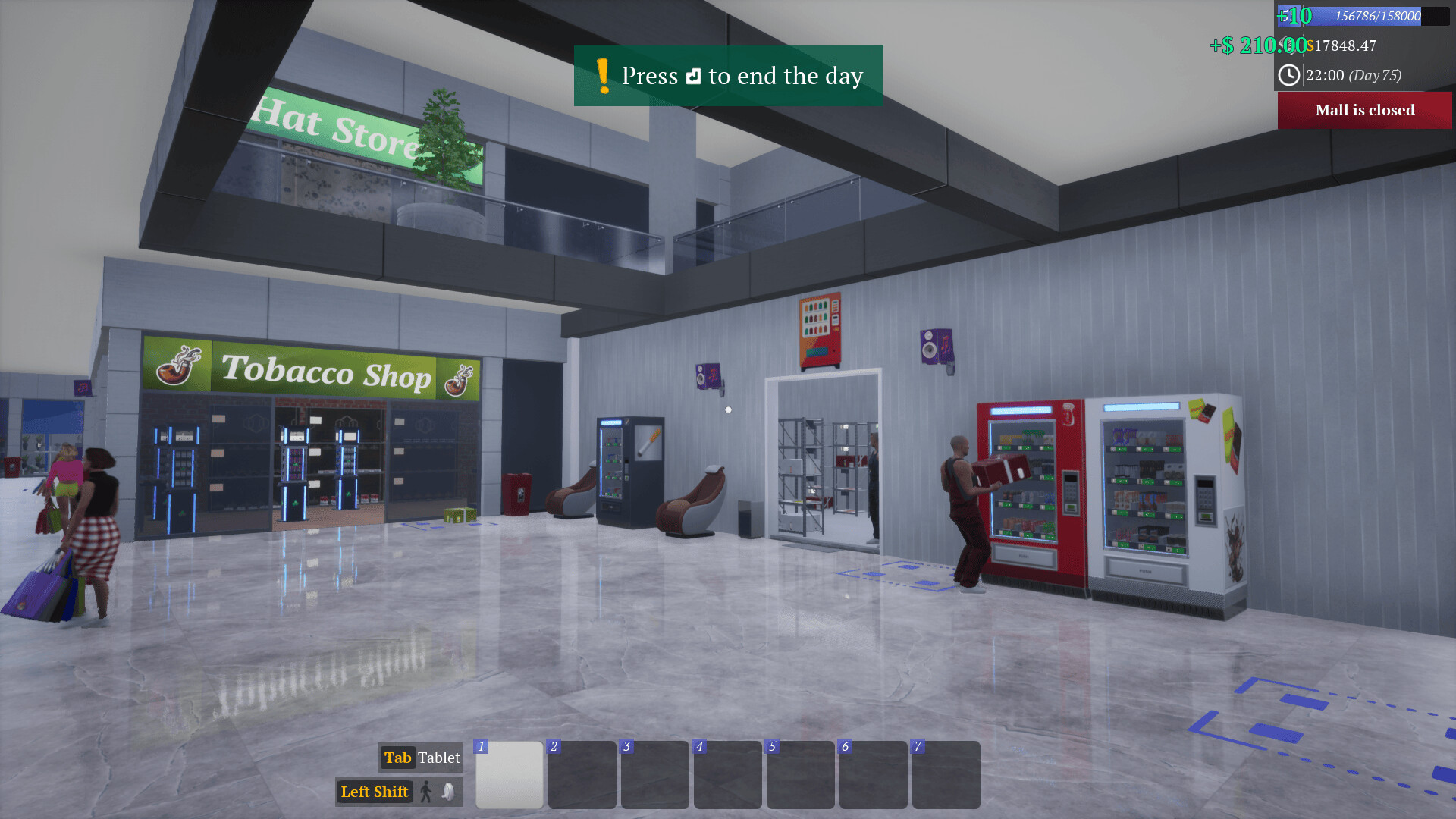
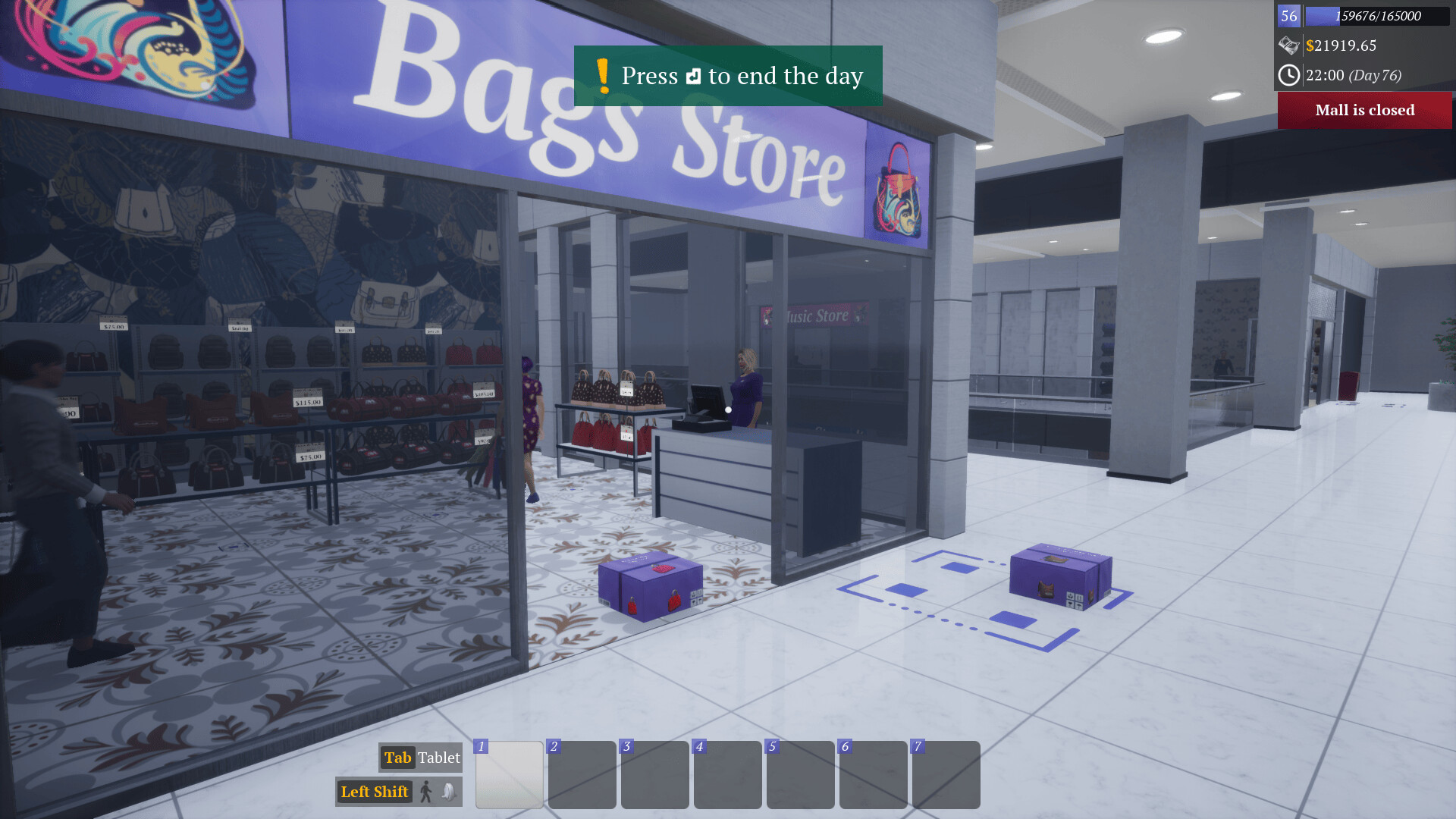
Mall Together Ini adalah game simulasi first-person simulation di mana Anda berperan sebagai pemilik pusat perbelanjaan. Bekerjalah sendiri atau bersama teman-teman untuk mengembangkan pusat perbelanjaan sederhana Anda menjadi mal yang sangat besar.
Spesifikasi Minimum
- Requires a 64-bit processor and operating system
- OS *: Windows 7 64-bit | Windows 8 64-bit | Windows 10 64-bit
- Processor: Intel Core i5-9400F | AMD Ryzen 5 3600
- Graphics: NVIDIA GeForce GTX 1050 | AMD Radeon RX-580
- Storage: 3000 MB available space
Cara Installasi
- Download Mall Together
- Gunakan Winrar untuk mengekstrak file game
- Jalankan file Setup.exe lalu install sampai selesai
- Jangan lupa install DirectX dan Visual++ nya jika belum terinstall
- Done!
- Selamat Bermain!
Peringatan!
Kami tidak bertanggung jawab jika terjadi sesuatu pada game ini, Do With Your Own Risk!
Download Game
Download Game Lainnya


Adobe Photoshop 2026


Daftar Isi
Lihat cara install nya Klik Disini👇
Detail Software
Tentang Software
Adobe Photoshop 2026 merupakan software photo editor dan desain grafis profesional yang menjadi standar industri di bidang kreatif terbaru. Versi ini hadir sebagai kelanjutan dari generasi sebelumnya dengan membawa peningkatan performa, integrasi kecerdasan buatan yang lebih canggih, serta dukungan optimal untuk perangkat keras modern. Photoshop 2026 tetap mempertahankan kekuatannya dalam menyediakan beragam alat editing foto, manipulasi gambar, pembuatan ilustrasi digital, hingga desain web dan multimedia dengan kualitas tinggi.

Cara Install
- Download Adobe Photoshop 2026
- Gunakan Winrar untuk meng ekstrak file rar nya
- Jika sudah klik 2x pada file iso nya lalu install file Set-up.exe
- Tunggu sampai installasi selesai
- Done!
- Jika mengalami error “Adobe Creative Cloud, needed to resolve the problem, is missing or damaged” silahkan download Adobe Creative Cloud yg ada dibawah.
Adobe Photoshop Remove Tool AI
- Wajib sudah install Photoshop 2026 v27.7 atau di atasnya
- Install Remove Tool AI ini
- Local Generative Removal AI Core ! Lihat Info,
Spesifikasi GPU harus tinggi, => Cek Requirement GPU - Enjoy!
Spesifikasi Minimum
- 64-bit version of Microsoft Windows 10 (version 21H2 LTSC or 22H2) / Windows 11 (version 23H2 or 24H2) ; 64-bit version of Microsoft Windows 10 / 11
- Multi-core Intel or AMD processor with support for SSE 4.2 and AVX2 ; without AVX2
- 8 GB RAM (16 GB or more recommended)
- 10 GB of available hard disk space (100 GB on a high-speed SSD recommended)
- Video card with 1.5 GB of VRAM (4 GB or more recommended for 4k screens), a GPU no older than 7 years and support for DirectX 12
- Screen resolution of 1280×800 with 100% interface scaling (1920×1080 with 150% scaling recommended); ; 8-bit, 16-bit, and 32-bit color supported
- Internet connection and registration required to access online services
Peringatan!
Kami tidak bertanggung jawab jika terjadi sesuatu pada software ini, Do With Your Own Risk!
Pilih Versi Software
Download Software Lainnya

Adobe Premiere Pro 2026


Daftar Isi
Lihat cara install nya Klik Disini👇
Detail Software
Tentang Software
Adobe Premiere Pro 2026 merupakan software pengolah video profesional yang digunakan untuk proses editing, penyuntingan, dan produksi konten video digital. Software ini banyak dipakai oleh editor video, kreator konten, hingga industri perfilman karena kemampuannya mengelola video dengan kualitas tinggi serta alur kerja yang efisien. Versi 2026 hadir dengan penyempurnaan performa dan stabilitas untuk mendukung kebutuhan editing modern.

Spesifikasi Minimum
- 64-bit version of Microsoft Windows 11 (version 24H2 or later) ; 64-bit version of Microsoft Windows 10 / 11
- 6th Gen Intel or AMD Ryzen 1000-series processor with AVX2 support (11th Gen Intel/newer CPU with Quick Sync support or AMD Ryzen 3000-series/Threadripper 2000-series recommended)
- 8 GB RAM (16 GB recommended for HD media; 32 GB for 4K media)
- 8 GB of available hard disk space; additional free space required during installation; SSD recommended
- Graphics card with 4GB of VRAM (8GB recommended)
- Screen resolution of 1920×1080 or higher (HDR 1000 recommended for HDR workflows)
- Sound card with ASIO or Microsoft Windows Driver Model support
- Network card with 1Gbps bandwidth for HD media sharing (10Gbps recommended for 4K media sharing)
- Internet connection and registration required to access online services
Cara Installasi
- Download Adobe Premiere Pro 2026 nya
- Wajib disable windows defender
- Ekstrak file menggunakan Winrar
- Kemudian buka folder dan mount filenya
- Jalankan Autoplay
- Tunggu installasi sampai selesai
- Done!
Kami tidak bertanggung jawab jika terjadi sesuatu pada software ini, Do With Your Own Risk!